

A Mac menu bar app that keeps an eye on your Vercel deployments. Live status, a notification only when a build fails, and one click to copy the error log for Claude Code or Cursor.
Version 0.6.10 · macOS 14 or later · Notarized by Apple · Free for 1 project at a time, no account needed
Turquoise while building, violet while queued, pink on failure, or your own colors with Pro. Progress estimated from your own build history, right in the menu bar.
A failed build gives you one button: the relevant build log, branch and commit, formatted for Claude Code or Cursor. Paste, fix, redeploy.
Your Vercel token lives in your iCloud Keychain. It follows you to a new Mac and survives a clean install. Paste it once.
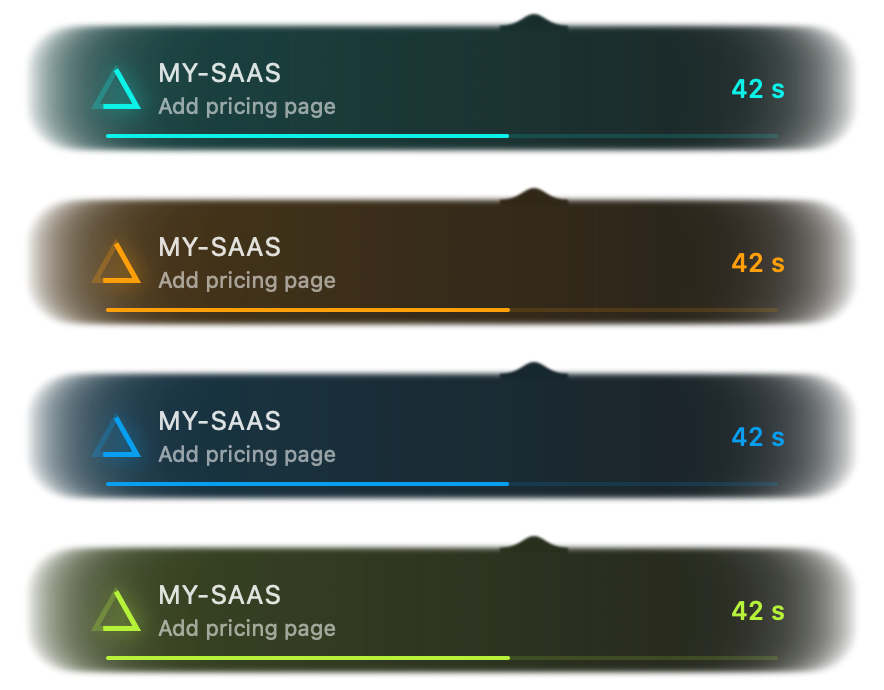
A capsule follows each build right under the menu bar. With Pro, pick the accent colors of the icon, the panel and the capsule.